
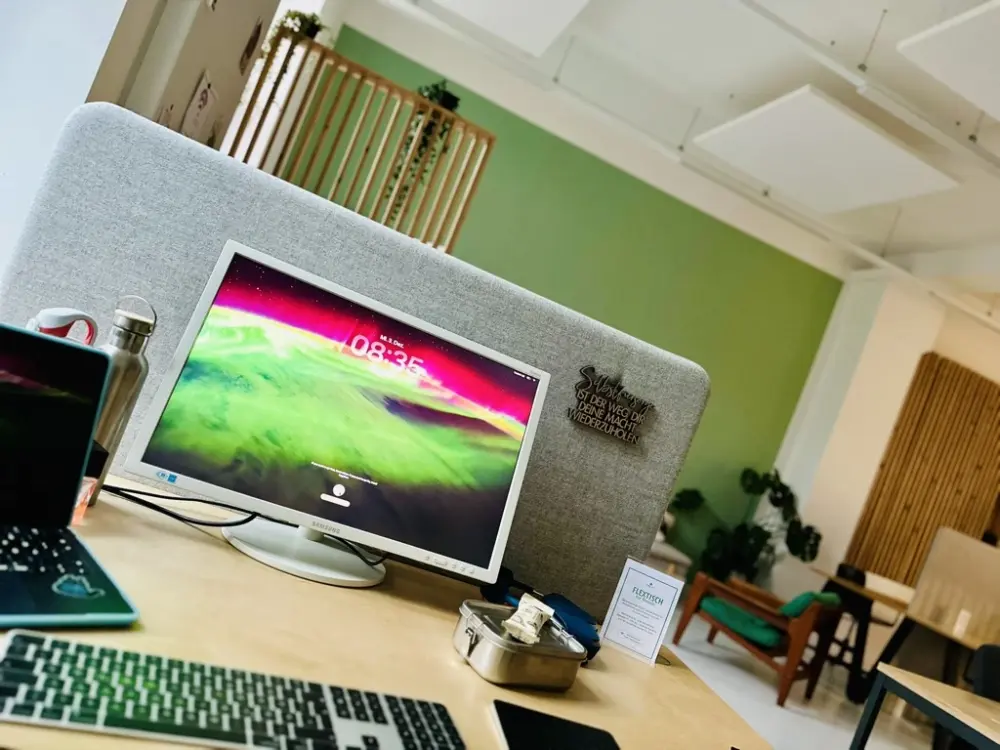
I’ve had a refurbished MacBook Air for three quarters of a year now1. The devices are expensive and that has put me off buying one for many years1. Mind you, I usually work with lease returns that cost half as much. The whole thing looks completely different when it’s new. The second-hand Apple market is simply a market of its own.
What I’m actually realising is that I’m actually getting creative with this device. I used to find it difficult to formulate texts. Now I just record them: with my phone, sometimes with the watch and sometimes directly on the device and turn them into a text in three simple steps.
Step 1: Get it out!

I use an app with a very low entry threshold for this: Just Press Record. The name says it all. I just press the red button – twice at most – and the recording starts. It’s convenient, the files are synchronised in the cloud and it’s really quick.
Step 2: write it down
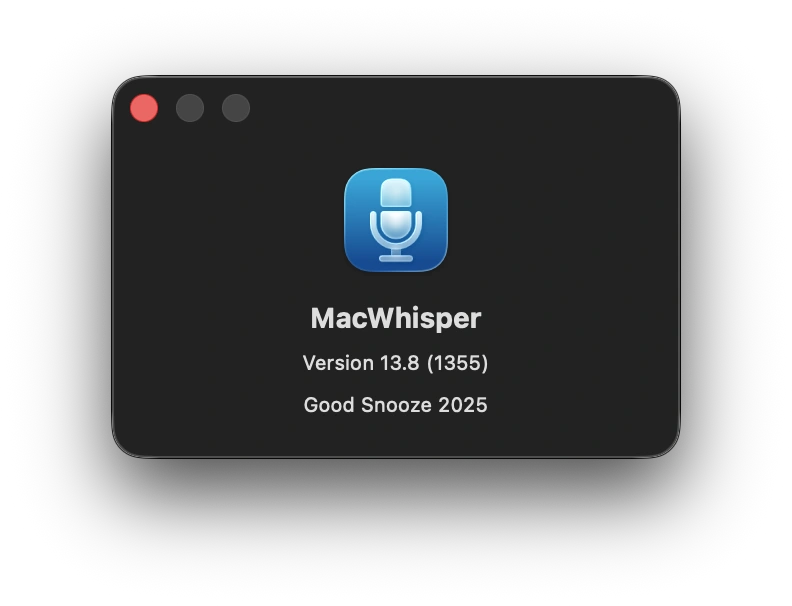
I do the transcription with MacWhisper Pro.
The programme runs locally, requires some disk space and definitely an M processor. It takes a while for longer recordings. The result is impressive. MacWhisper recognises speakers, can group them automatically and exports everything clearly as a PDF, text file or in other formats. I mainly use it for German and English.
Step 3: Preparation

I then feed the transcribed text into ChatGPT2 to make it understandable – like this one. To do this, I have developed a kind of consensus with my ChatGPT that describes how we work together. What comes out of it is already a start and often needs some reworking, with ChatGPT or without. It depends.
For me, using ChatGPT is not primarily about saving time (there are certainly time savings in other areas of application with AI), but about getting something readable in the first place! Enablement, so to speak.
ChatGPT also provides the SEO stuff for Yoast, as well as the excerpt, so that it looks smart on Google.
Maybe I can find a few pictures in my collection to liven things up a bit. I’ll also add a few links in the appropriate places.
Set (a) suitable category(ies) and/or keywords, save, and your idea is ready.3
Optional: Multilingualism

Do you need a translation? You can do this with ChatGPT and, even better, with Deepl Pro, combined with Deepl Write for help with wording if necessary. Deepl API and Polylang translate websites at the touch of a button.

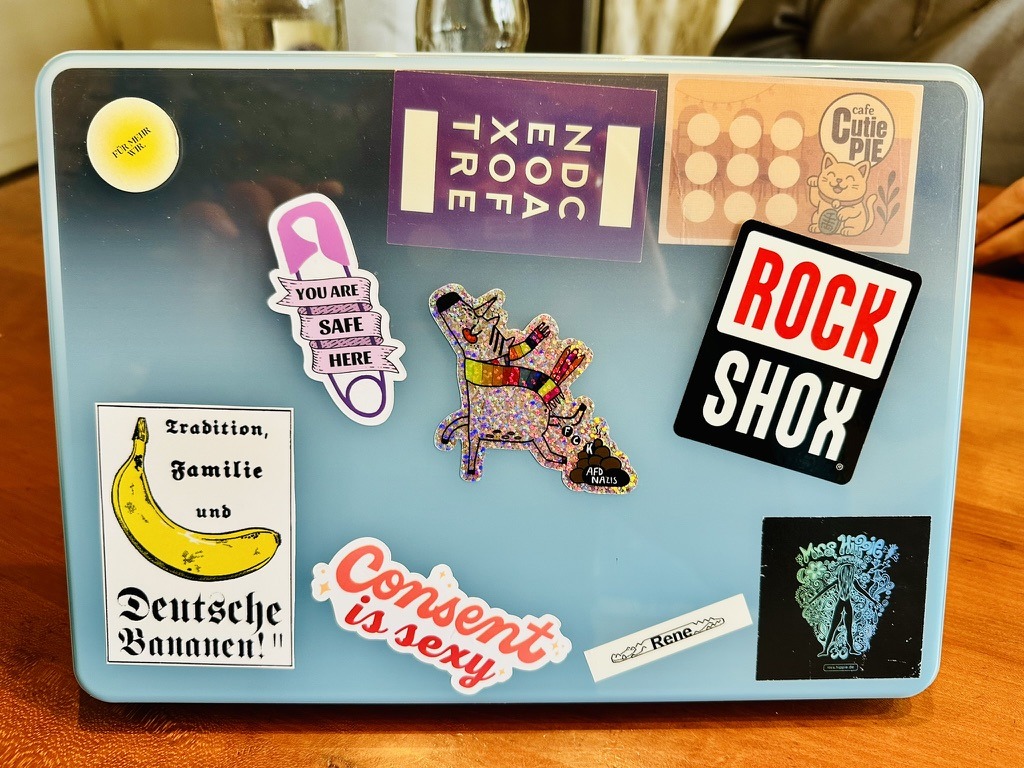
If you have the idea that writing should be easier – be it for customer emails, documentation or your own text work – ask me. I’d be happy to show you and I have devices here that you can try out. It would be helpful if you already have a little bit of Apple experience, for example an iPhone or an iPad.
An iPad is okay for travelling or in between. For longer work, I need a large screen and a proper keyboard. That simply works better with a computer.
Talk to me
- I would like to thank Bernhard from the bottom of my heart for the opportunity to do this. Without the great opportunity to contribute so much to his company, I would not have had the financial leeway to do so. ↩︎
- There is certainly much more choice than just this one platform. Feel free to share your ideas with me! ↩︎
- This one was created in 60 minutes, from recording to publication. ↩︎
Last Updated on December 6th, 2025 by Rene Terruhn